Building a Budget-Friendly Gaming PC: What Really Matters
Cut costs without crippling frames: focus on GPU, a capable CPU, fast SSD, sufficient RAM, and a quality PSU, then optimize settings and plan upgrades.
Prioritize the GPU, But Balance Wisely
When building a budget-friendly gaming PC, the GPU typically delivers the biggest jump in frame rates and visual fidelity, so it deserves a generous share of your budget. Start by defining your target resolution and refresh rate, then pick a graphics card that comfortably meets that goal without overspending on excess headroom. Avoid pairing a powerful GPU with a weak CPU, or the system may bottleneck in fast, CPU-heavy scenes. For competitive titles, lower visual settings can unlock higher 1% lows and reduce input latency, while cinematic single-player games may benefit from more VRAM and higher-quality textures. Evaluate independent benchmarks that show both average frames and lows, as consistency often matters more than absolute peaks. Consider used or refurbished options cautiously, weighing potential wear and warranty trade-offs. Finally, resist paying premiums for flashy RGB or oversized coolers on midrange cards; airflow in the case usually matters more. A well-matched GPU, chosen with your actual playstyle in mind, maximizes performance per dollar.
Pick a Capable CPU Without Overpaying
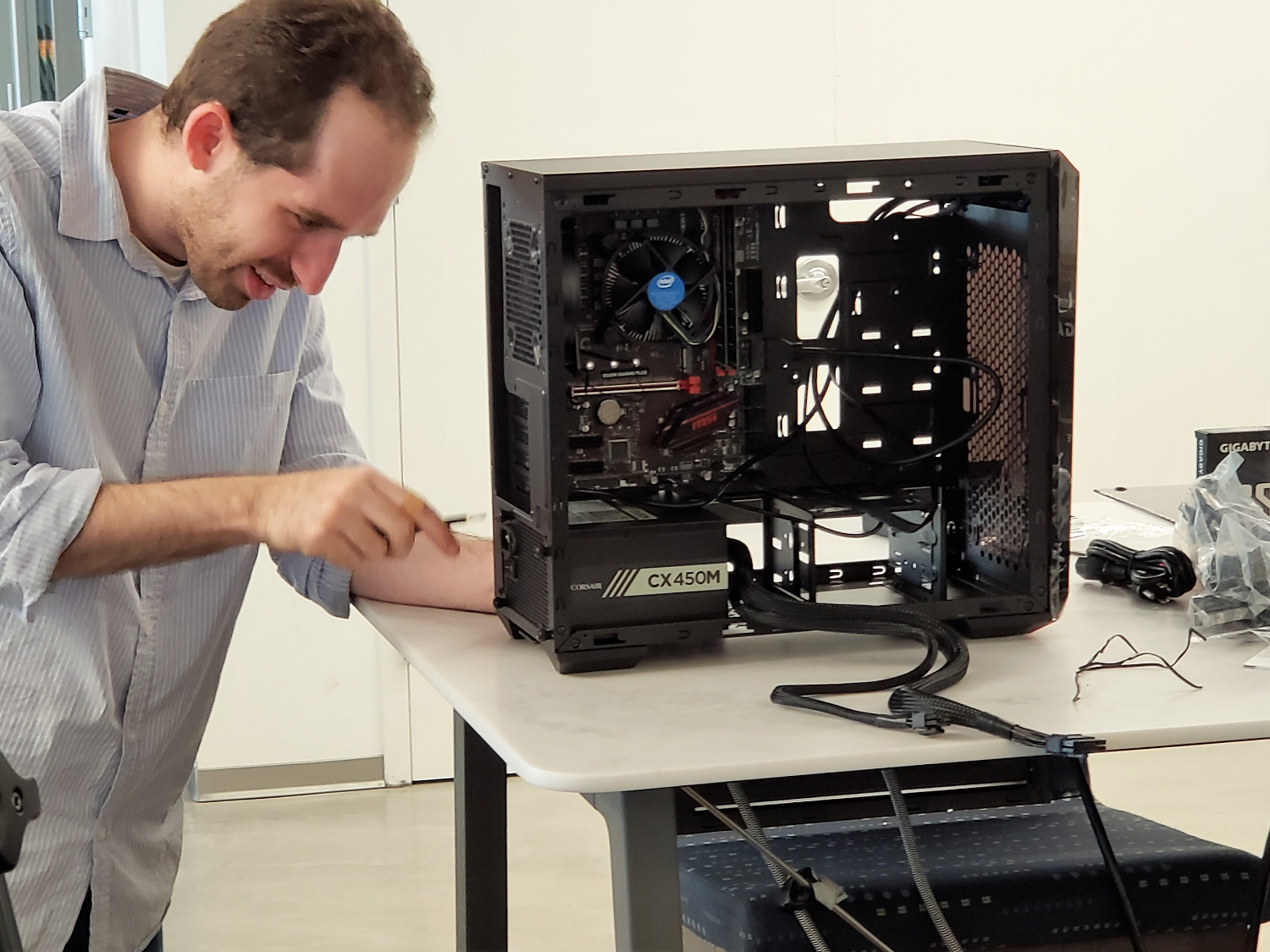
A smart gaming build chooses a CPU that is strong enough to keep your GPU fed without blowing the budget. Modern games favor a blend of clock speed, IPC, and sufficient cores to handle background tasks, voice chat, browsers, and overlays. If you also stream, edit video, or run heavy mods, stepping up one tier can boost multitasking and smooth out minimums. Overclocking is no longer required for value; most chips boost aggressively out of the box, so put funds toward a dependable cooler instead of extreme boards. Watch for cache size and platform stability, and make sure your motherboard's VRM is adequate for the CPU you choose. Integrated graphics can be handy for troubleshooting, but they are not essential if you have a discrete card. Keep the system lean by trimming startup apps and background services, which can quietly steal CPU cycles. The result is a balanced, responsive machine that sustains high frame pacing where it counts.
Memory and Storage: Fast Enough, Sized Right
For smooth gaming, RAM capacity and configuration often beat exotic speeds. Run dual-channel memory to unlock bandwidth, and pick a sensible capacity that covers current titles plus chat, music, and a browser. Many players find that adding headroom prevents texture streaming hitches and keeps 1% lows steady during long sessions. Speed and latency still matter, but chasing tiny timing gains is rarely cost-effective compared with simply buying adequate capacity and enabling XMP or EXPO. On storage, an NVMe SSD makes games load quickly and reduces hitching in asset-heavy worlds. A secondary SATA SSD or a large-capacity drive can house your broader library, captures, and mods. Keep a healthy buffer of free space so your drives maintain peak performance and do not thrash under pressure. Organize installations so your most demanding titles sit on the fastest drive. The aim is a responsive system where assets stream reliably, saving you money that would otherwise go to diminishing returns.
Motherboard, Power, and Case: Reliability Over Flash
You do not need a premium motherboard to game well; you need the right features at the right price. Look for solid VRM cooling, enough USB and M.2 slots, decent audio, and quality networking, plus helpful extras like BIOS flashback. Skip costly RGB-heavy boards and extreme overclock features you will not use. Your power supply is mission critical: prioritize proven reliability, strong protection circuits (OCP, OVP, SCP), and honest ratings over raw wattage. Aim for sensible headroom to accommodate GPU transient spikes without resorting to an oversized unit. Modular cables make tidy builds easier, improving airflow. For the case, favor airflow over glass-heavy designs with choked fronts. Ensure space for multiple intake and exhaust fans, straightforward cable management, and accessible dust filters. Front-panel connectivity should match your peripherals. Spending here buys stability, quieter operation, and easy upgrades later. The result is a sturdy platform that protects your investment while leaving room for future parts.
Cooling, Noise, and Maintenance That Pay Off
Good cooling is a performance feature, not an afterthought. A competent tower air cooler often provides the best value, taming CPU temperatures without complexity. Apply quality thermal paste and mount the cooler evenly to avoid hot spots. Set custom fan curves that keep noise low at idle and ramp smoothly under load; a slightly positive pressure setup (more intake than exhaust) helps reduce dust in real-world use. Place two to three intake fans at the front and at least one exhaust at the rear or top to establish clean airflow. Many GPUs benefit from modest undervolting to cut heat and noise while maintaining performance; test gradually and confirm stability. Avoid placing your case in a tight cabinet where warm air recirculates. Clean filters, heatsinks, and fan blades periodically to preserve cooling headroom and extend component life. Thoughtful thermal design yields quieter acoustics, steadier clocks, and longer-lasting parts, all while keeping the budget in check.
Monitors, Peripherals, and Smart Shopping
Your monitor shapes the entire experience, so pair your GPU to a resolution and refresh rate you can sustain. Variable refresh technologies help smooth out frame delivery, minimizing tearing and stutter. Choose sensible settings and leverage modern upscalers to stretch performance further without big visual sacrifices. For peripherals, prioritize comfort and control: a responsive mouse, dependable keyboard, and clear headset make gameplay sharper and communication easier. Avoid paying for cosmetic extras when funds could elevate core components. Shop with a plan: track pricing, read benchmarks that include 1% lows, and favor strong return policies over rock-bottom deals. The used market can be valuable, but inspect for condition and treat power supplies and storage with extra caution. Build for an upgrade path by leaving spare RAM slots, an open M.2 socket, and a power supply with headroom for a future GPU. This strategy ensures each purchase compounds value and keeps your system performing well over time.