Gaming Peripherals That Actually Make a Difference
From 240Hz monitors and low-latency mice to optical switches and quality headsets, learn which gear truly improves aim, reaction time, and comfort.
Precision Mice and Mouse Pads
The fastest way to feel more in control is a great gaming mouse paired with the right surface. A quality sensor with true-to-movement tracking and minimal acceleration keeps your aim predictable, while a high polling rate reduces input delay you can feel in fast titles. Shape and weight matter just as much: a mouse that fits your grip style (palm, claw, or fingertip) helps you stay relaxed and consistent through long sessions. Low lift-off distance prevents your aim from drifting when you reposition. On the underside, PTFE feet create smooth, repeatable glide; pair them with a mouse pad that matches your preference for speed versus control. Stitched edges and stable bases extend pad life and stop bunching. Many players gain comfort from paracord-like cables or a bungee, while modern low-latency wireless models now rival wired performance. Dial in sensible DPI to match your in-game sensitivity (think in terms of eDPI) and you will immediately notice tighter, more reliable aim.
Mechanical Keyboards That Prioritize Feel and Speed
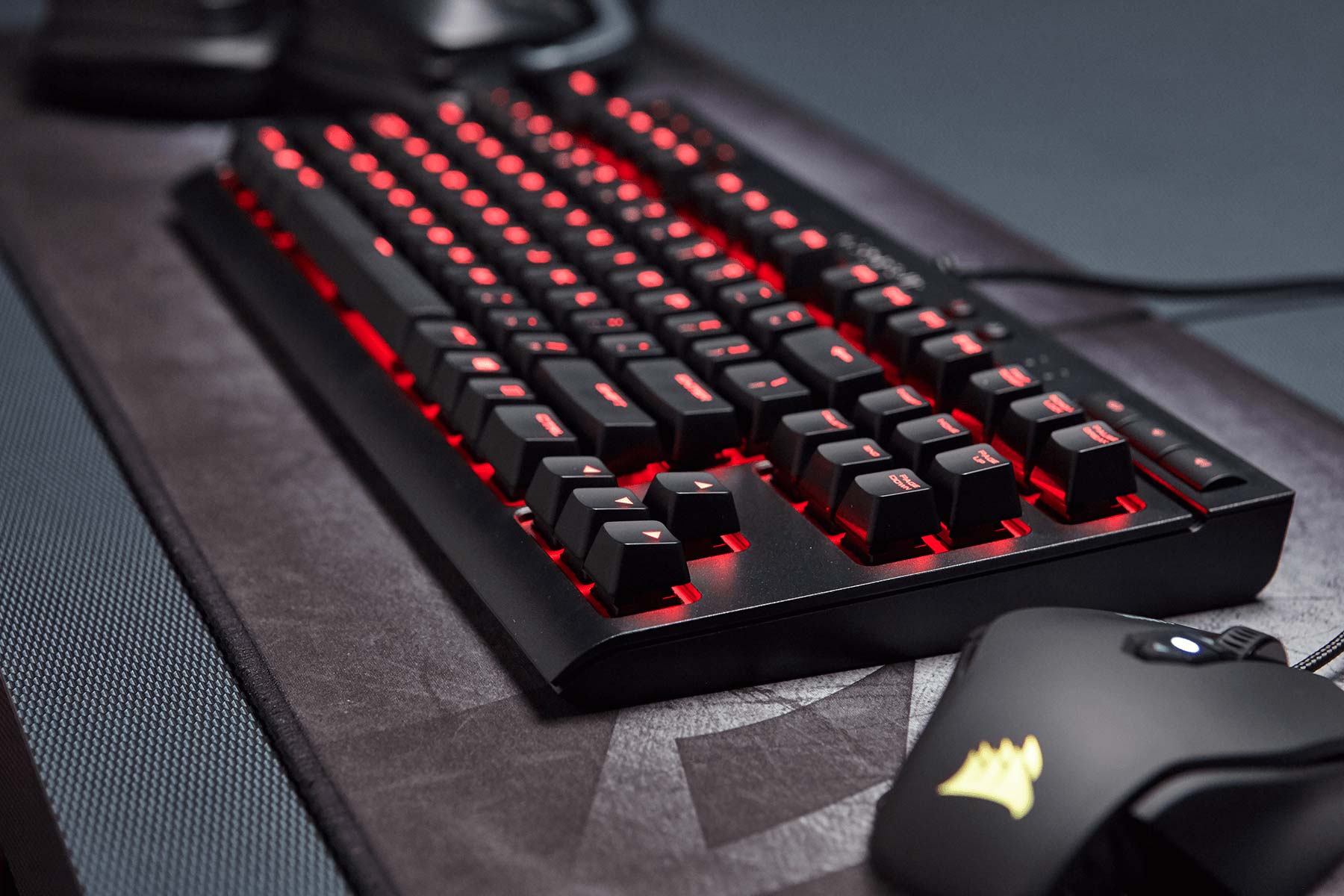
A responsive keyboard can clean up your inputs and reduce fatigue. The key is choosing switches that suit your style. Linear switches glide for rapid presses, tactile ones add a feedback bump, and ultra-light options reduce finger strain. Look for fast actuation with stable stabilizers on larger keys to avoid wobble. True N-key rollover and strong anti-ghosting ensure every press lands, while optimized scan rates and low debounce firmware shave valuable milliseconds. Build quality matters: a rigid chassis and PBT keycaps maintain consistency under pressure, and hot-swap sockets let you try new switches without soldering. Compact layouts such as TKL or 60 percent clear desk space for larger mouse movements, boosting comfort in FPS and MOBA play. Thoughtful macros, on-board profiles, and per-key remapping streamline complex combos without software running in the background. With the right tuning, a keyboard becomes an extension of your hands, translating intention into instant, precise actions.
High-Refresh Displays and Motion Clarity
Upgrading your display often yields the most obvious performance jump. A higher refresh rate dramatically reduces motion blur and improves target tracking, while low response time keeps frames crisp during camera pans. Effective overdrive settings minimize smearing without overshoot, and variable refresh rate (VRR) syncs the panel to your frame output, cutting tearing and stutter. Prioritize low input lag from the display's processing pipeline; gaming modes typically help. Panel tech also shapes the experience: IPS offers color accuracy and wide viewing angles, VA boosts contrast for darker scenes, and OLED brings near-instant pixel response and inky blacks. Consider the balance between resolution and achievable frame rate; smoother motion often trumps sheer pixel count for competitive play. Features like motion strobing or black frame insertion can sharpen pursuit clarity if implemented well. The takeaway is simple: a display tuned for speed and stability elevates both responsiveness and visual confidence.
Headsets, Mics, and Spatial Awareness
High-quality audio is a tactical advantage, not just an immersion upgrade. A headset with accurate positional audio and strong imaging helps you localize footsteps, reloads, and ability cues. Open-back designs offer a wider soundstage, while closed-back models deliver isolation and punch; choose based on your environment. Low-latency wireless (typically 2.4 GHz) can feel indistinguishable from wired when implemented well, while a capable DAC/amp chain improves clarity and dynamics. Fine-tune with EQ to emphasize critical frequencies like footstep bands and reduce masking noise. For team play, microphone clarity matters; a clean, noise-rejecting boom mic keeps callouts intelligible. Virtual surround powered by HRTF can aid spatial cues if matched to your ear shape, though a well-tuned stereo image often suffices. Comfort features—breathable pads, light clamp force, and balanced weight—let you focus longer. Done right, audio gear turns chaotic soundscapes into readable information that guides smarter decisions.
Controllers, Gamepads, and Specialized Rigs
For racers, fighters, platformers, and action titles, the right controller changes everything. Sticks with Hall-effect sensors resist drift and offer smooth, repeatable input. Adjustable trigger stops shorten travel for quicker shots, while remappable paddles or rear buttons keep your thumbs on the sticks during complex maneuvers. Dial in dead zones, stick tension, and gyro aiming (where supported) for precise fine control. Connection quality impacts feel: wired and robust 2.4 GHz links generally minimize latency more than basic Bluetooth. For racing, a wheel with nuanced force feedback and load-cell pedals translates tire grip and brake pressure into muscle memory. Flight sim players benefit from HOTAS setups that map critical functions to physical controls, reducing cockpit menu time. Good software completes the package with per-game profiles, sensitivity curves, and on-board storage. When tuned, these peripherals transform mechanics from abstract button presses into intuitive, embodied actions.
Ergonomics, Software, and Quality of Life Upgrades
Performance is impossible without ergonomics. A proper chair, desk height, and monitor positioning reduce strain, while a supportive wrist rest and a smooth desk mat help maintain neutral posture. Cable management and a mouse bungee prevent tugging that subtly derails micro-adjustments. Ambient or bias lighting behind your monitor eases eye strain and enhances perceived contrast. Look for peripherals with on-board memory and robust profiles so settings persist across systems and reboots. Clean, lightweight drivers that allow macros, DPI stages, and lighting control without background bloat keep systems snappy. Small touches also add up: a USB hub within reach, a sturdy headset stand, and a monitor arm that frees desk space and perfects sightlines. Even network choices matter—stable wired connections reduce variability during competitive play. Stack these quality-of-life improvements and you create a consistent, comfortable environment where your focus stays on strategy, not on fighting your setup.