Tablet vs. Laptop: Picking the Best Fit for You
Unsure whether a tablet or a laptop suits you best? Compare performance, portability, battery life, input options, and budget to decide.
Portability and Form Factor
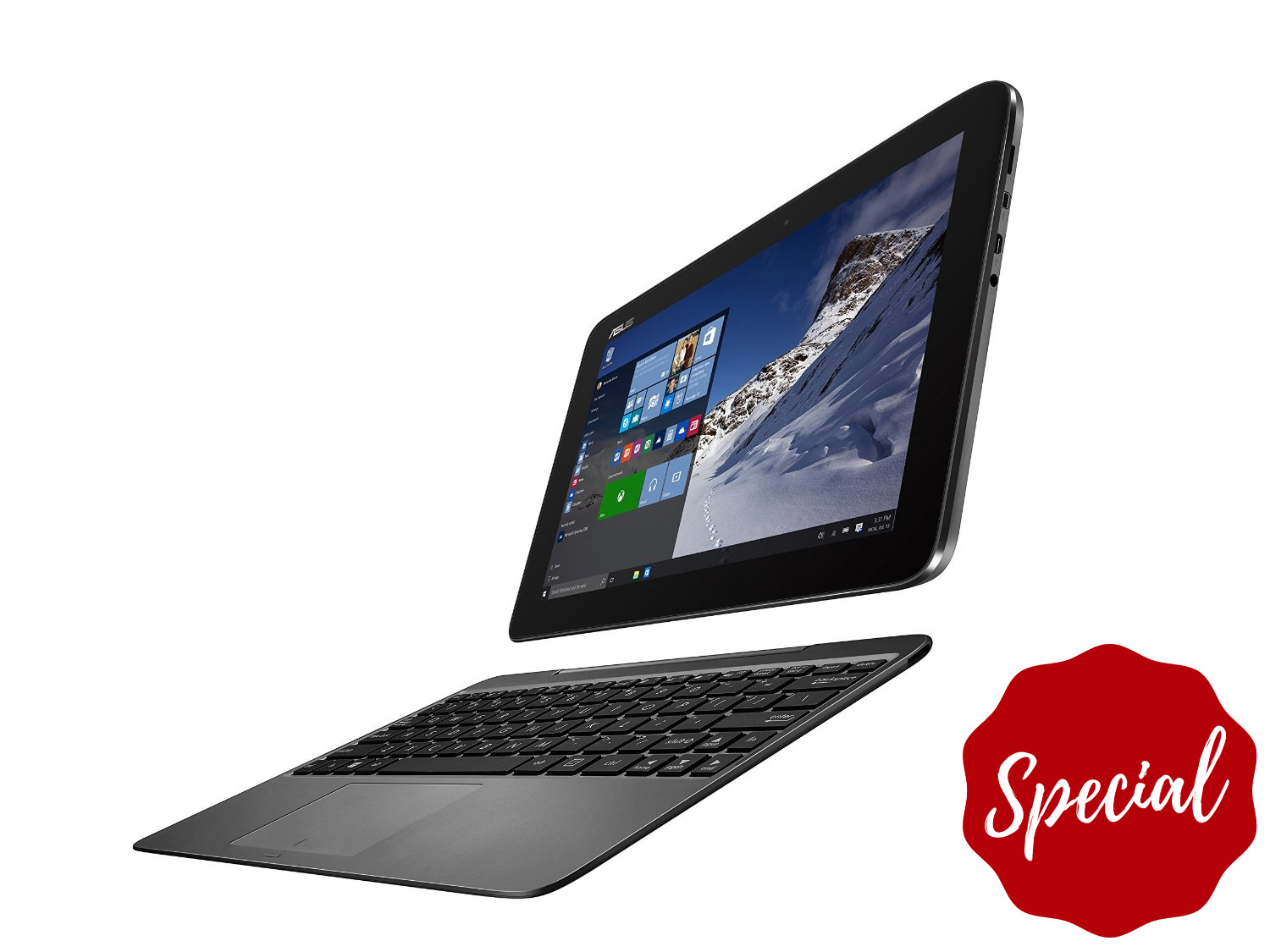
When portability tops your list, a tablet makes a strong first impression. Slim, light, and quick to wake, it slides into small bags and feels natural for couch browsing, travel, and reading. A detachable keyboard or folio turns it into a light workstation, while stylus support adds precision for annotations and sketching. Laptops remain compact, but their clamshell form factor is optimized for stable typing on a desk or lap, with a rigid hinge that keeps the screen steady. Many tablets favor minimal ports, leaning on compact hubs, whereas laptops typically provide more built-in I/O for accessories and external drives. Consider posture and ergonomics: tablets shine when held in portrait for books or reports, while laptops deliver all-day comfort for emails and documents. A 2-in-1 bridges both worlds if you want tablet flexibility with laptop stability. Ultimately, think about where you work most—plane trays, coffee shop counters, or kitchen tables—and how much gear you want to carry.
Performance and Multitasking
If your day involves heavy multitasking, large spreadsheets, code builds, or high-resolution video work, a laptop's performance edge often shows. With higher-wattage processors, more RAM, and better thermal headroom—sometimes with active cooling—laptops handle demanding tasks without throttling as quickly. They excel at juggling many apps, browser tabs, and background processes, and they pair easily with external monitors for broader workspace. Tablets run on power-efficient chips that feel snappy for everyday tasks like web, mail, office, and streaming. Many now support split-screen and floating windows, yet complex workloads or intricate window management can feel constrained on smaller displays. Storage options differ too: laptops typically offer larger, faster internal drives for local media and project files, while tablets lean on cloud sync or external storage via adapters. If you routinely export massive files, crunch data, or rely on desktop-class apps, lean laptop. If you prize silence, cool operation, and sufficient speed for daily tasks, a tablet is hard to beat.
Input, Creativity, and Content Consumption
Your most frequent inputs should guide the choice. Tablets offer touch and pen input that feel immediate for drawing, note-taking, whiteboarding, and markup. Low-latency pens with palm rejection shine for diagramming, math, and creative brainstorming, and tablets double as excellent content consumption devices with great speakers and front-facing cameras for calls. Add a keyboard case for writing, but remember the lightweight stand can wobble on a lap. Laptops provide full-size keyboards, precise trackpads, and deep shortcuts, ideal for long writing sessions, spreadsheets, and complex editing timelines. Precision pointing benefits design tools and detailed selections, and function keys speed frequent actions. Casual games tend to be well-optimized on tablets, while laptops better support traditional PC gaming and pro audio/video peripherals. Consider scanning receipts with a tablet's rear camera, or attaching a laptop to an audio interface, color-calibrated display, or external drive. Match the device to how you create, edit, watch, and play every single day.
Software Ecosystem and Productivity
The software ecosystem often decides long-term productivity. Tablets emphasize curated app stores, security through sandboxing, and streamlined updates, which means fewer interruptions and simpler maintenance. Their interfaces promote focus, quick capture, and effortless sharing, making them great for meetings, forms, and collaboration with cloud sync. Laptops deliver desktop-class software, robust file management, and advanced tools like scripting, automation, containers, and virtualization. If your workflow depends on plugins, custom fonts, device drivers, or complex project structures, desktop operating systems usually provide deeper support. Multimonitor setups, virtual desktops, and nuanced window controls help you arrange intricate workspaces. IT departments also value laptops for device management, policy control, and integration with specialized services. On the flip side, many tablet apps are delightfully efficient for focused tasks, digital planning, and mobility-first workflows. Ask whether your must-have tools, file types, and collaboration habits run best in a simplified mobile environment or a fully extensible desktop.
Budget, Longevity, and Choosing What Fits
Total value goes beyond sticker price. Factor total cost of ownership: accessories like keyboards, pens, hubs, and cases; warranties; software subscriptions; and potential battery replacement costs. Laptops may offer more repairability and upgradability in storage or memory, extending useful life. Tablets generally win on battery life and silent operation, with excellent resale value if kept in good condition. Consider ports and desk setup: a single USB-C dock can power displays, networking, and storage on many devices, reducing clutter. Durability matters for commuters and students; weight matters if you carry it daily; and desk space matters if you rely on multiple displays. If you write, annotate, and travel light, a tablet with a quality keyboard and stylus might be ideal. If you crunch data, compile code, or edit media, a laptop's horsepower pays off. When in doubt, a 2-in-1 offers flexibility—just ensure the keyboard, hinge, and performance truly match your workflow.